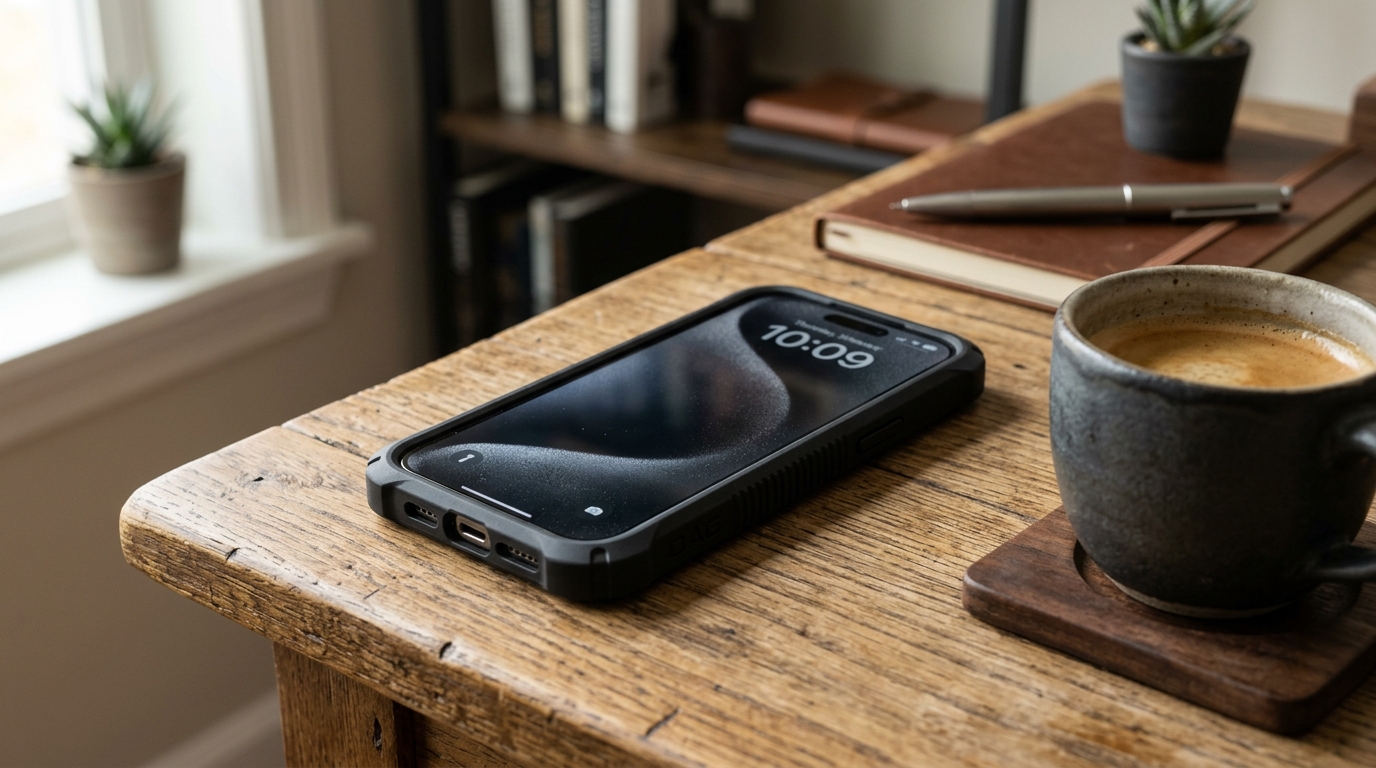
We rely heavily on our lockscreens. A PIN, pattern, or biometric scan is supposed to be an impenetrable wall between your personal data and anyone who picks up your phone. But a recent security flaw involving Google's Gemini assistant has proven that wall might have a backdoor.
Under certain configurations, Gemini (and the underlying Google Assistant framework) can be invoked from the lockscreen to bypass security measures and perform actions that should require authentication.
How the Exploit Works
This is not a traditional "unlock" where someone bypasses your PIN to access the home screen. Instead, it exploits the assistant's lockscreen permissions. Depending on your Android version and specific Gemini settings, a user can trigger the assistant without unlocking the device to:
- Make outbound calls: Including to contacts saved in your phone.
- Send text messages: Using SMS or integrated messaging apps.
- Expose sensitive data: By asking specific prompts, the assistant might read out recent calendar events, unread messages, or contextual data.
- Trigger smart home actions: Turning off security cameras or unlocking connected smart doors.
Essentially, the bug allows an unauthorized user to treat your locked phone like an unlocked smart speaker.
The Privacy Implications
Your smartphone holds your banking apps, private conversations, and work emails. If a malicious actor—or even just a nosy friend—can access fragments of this information or perform actions on your behalf without unlocking the device, your privacy is compromised.
While it might not grant full device access, enough fragmented information can easily be pieced together to cause significant damage or embarrassment.
How to Secure Your Device Right Now
This vulnerability primarily affects Android devices where Gemini or Google Assistant is explicitly allowed to function from the lockscreen. You can easily patch this hole yourself by adjusting a few settings.
-
Restrict Lockscreen Access:
- Open your phone's Settings.
- Search for "Assistant," "Gemini," or "Google Assistant settings."
- Look for the Lock screen menu.
- Disable "Assistant responses on lock screen" or any option that allows personal results without unlocking the device.
-
Force Software Updates:
- Go to
Settings > System > System updateand ensure your OS is current. - Open the Google Play Store and verify that both the Google app and Gemini app are fully updated, as Google frequently patches these exact types of vulnerabilities silently.
- Go to
-
Audit App Permissions:
- Go to
Settings > Apps > See all apps > Google (or Gemini) > Permissions. - Revoke unnecessary permissions. If you don't use the assistant to make calls, remove its phone access.
- Go to
While AI assistants offer unmatched convenience, they dramatically expand the attack surface of your mobile device. Until Google issues a definitive system-level patch for this lockscreen bypass, the safest approach is to strictly limit what your assistant can do while your phone is locked.