If you have watched a movie at home recently, you are intimately familiar with the routine: you turn the volume up to 60 just to understand what the actors are whispering to each other, only to scramble for the remote three minutes later when a sudden explosion threatens to blow out your windows.
You are not losing your hearing. The inability to hear dialogue in modern movies is a massive, systemic issue in the entertainment industry. It is a collision between how Hollywood mixes audio and the physical limitations of your living room television.
The Problem with "Dynamic Range"
Decades ago, audio for television was heavily compressed. The loudest sound (a gunshot) and the quietest sound (a whisper) were artificially squeezed together so they sounded roughly the same volume on a small TV speaker.
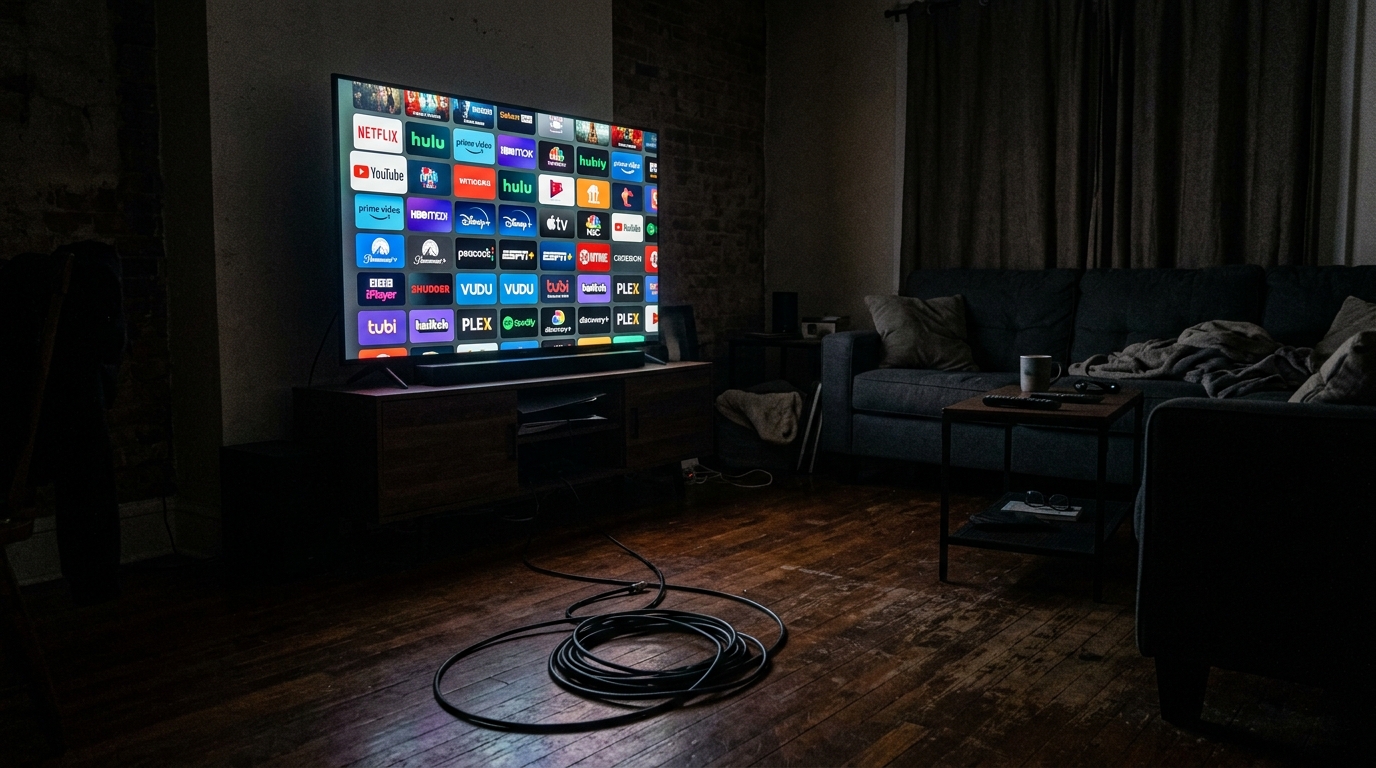
Today, directors like Christopher Nolan mix their films with a massive "dynamic range." They want the explosions to physically shake the theater seats, and they want the whispers to force the audience to lean in. This sounds incredible in a multi-million-dollar cinema equipped with 64 individual Dolby Atmos speakers. However, when streaming services compress that massive, theater-grade audio mix down to the two tiny, cheap speakers built into the back of your flat-screen TV, the system panics. The explosions completely drown out the dialogue frequencies.
The "Mumblecore" Acting Trend
The audio mixing issue is compounded by a shift in modern acting styles.
In the classic era of Hollywood, actors were trained in theater. They learned to project their voices clearly from their diaphragms so the audience in the back row could understand them. Today, the trend in prestige acting leans heavily toward naturalism. Actors mumble, whisper, and speak over each other in an effort to sound "gritty" and realistic. When you combine whispering actors with a theater-grade sound mix playing through a cheap TV speaker, the dialogue becomes completely unintelligible.
How to Fix Your TV Audio Today
You cannot force Hollywood directors to change their artistic vision, but you can force your television to handle the audio better.
- Turn off "Surround Sound" in your TV settings. If you do not actually own a 5.1 surround sound system, your TV is trying to artificially simulate one, which muddy the dialogue. Force your TV to output in basic "Stereo" or "PCM."
- Enable Dialogue Enhancement. Dive into your television's audio settings and look for a toggle labeled "Clear Voice," "Dialogue Enhancement," or "Night Mode." This setting artificially compresses the dynamic range, lowering the volume of explosions and boosting the frequency of human speech.
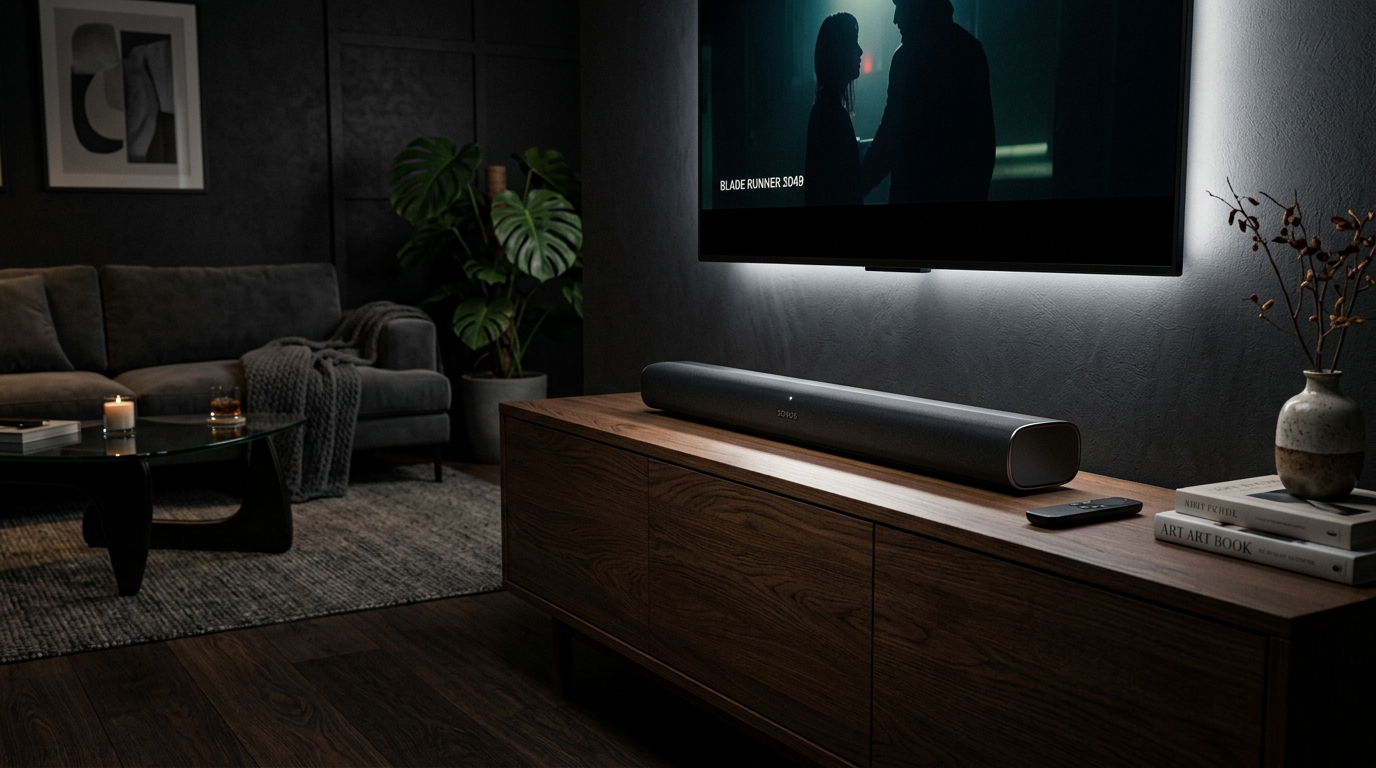
- Invest in a 3.1 Soundbar. If you are willing to spend a little money, buy a "3.1" soundbar. The ".1" is a subwoofer, but the "3" is the most important part. It means the soundbar has a dedicated, physical "Center Channel" speaker that is exclusively responsible for outputting human dialogue, separating it completely from the music and sound effects.